AVCapture2
Supported Hardware Devices: Pro Capture cards, USB Capture devices
Contents Demonstrated in the Sample:
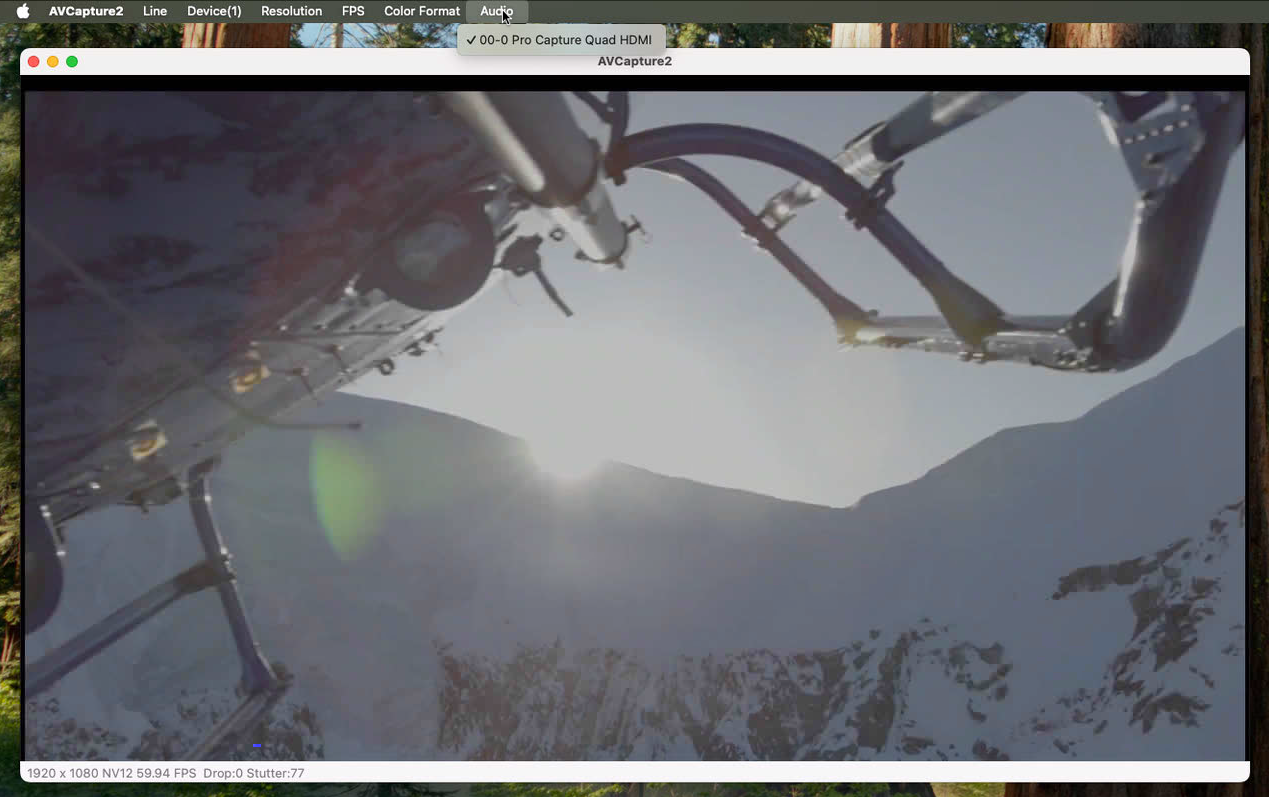
- Preview captured video and monitor captured audio
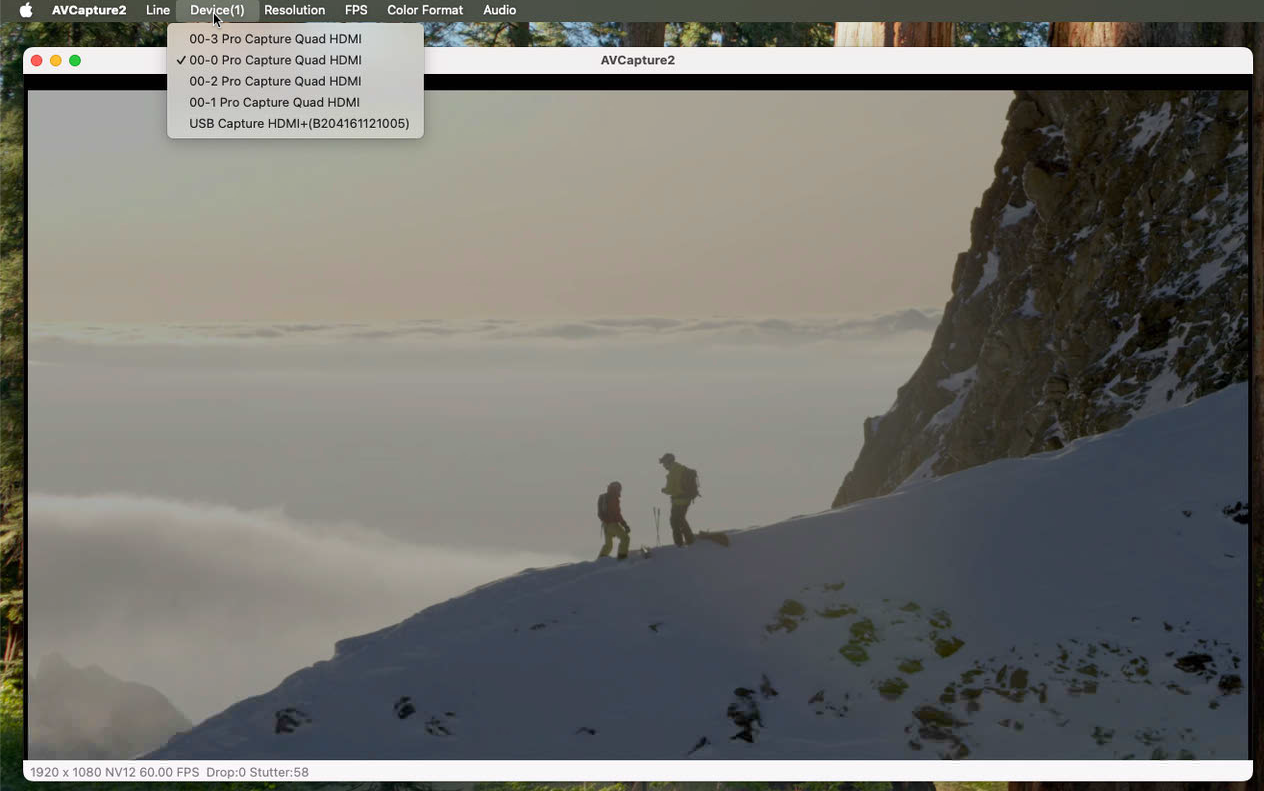
- Freely select video capture devices and their corresponding audio devices
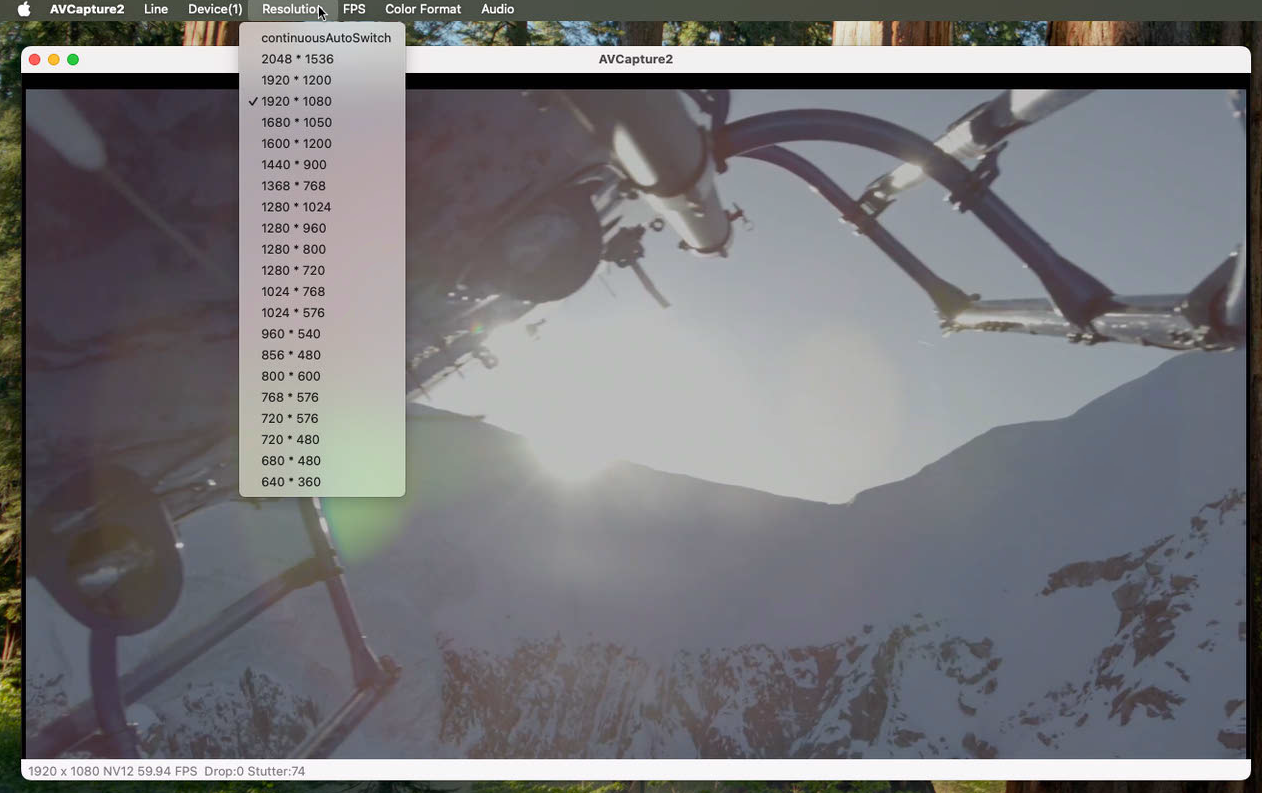
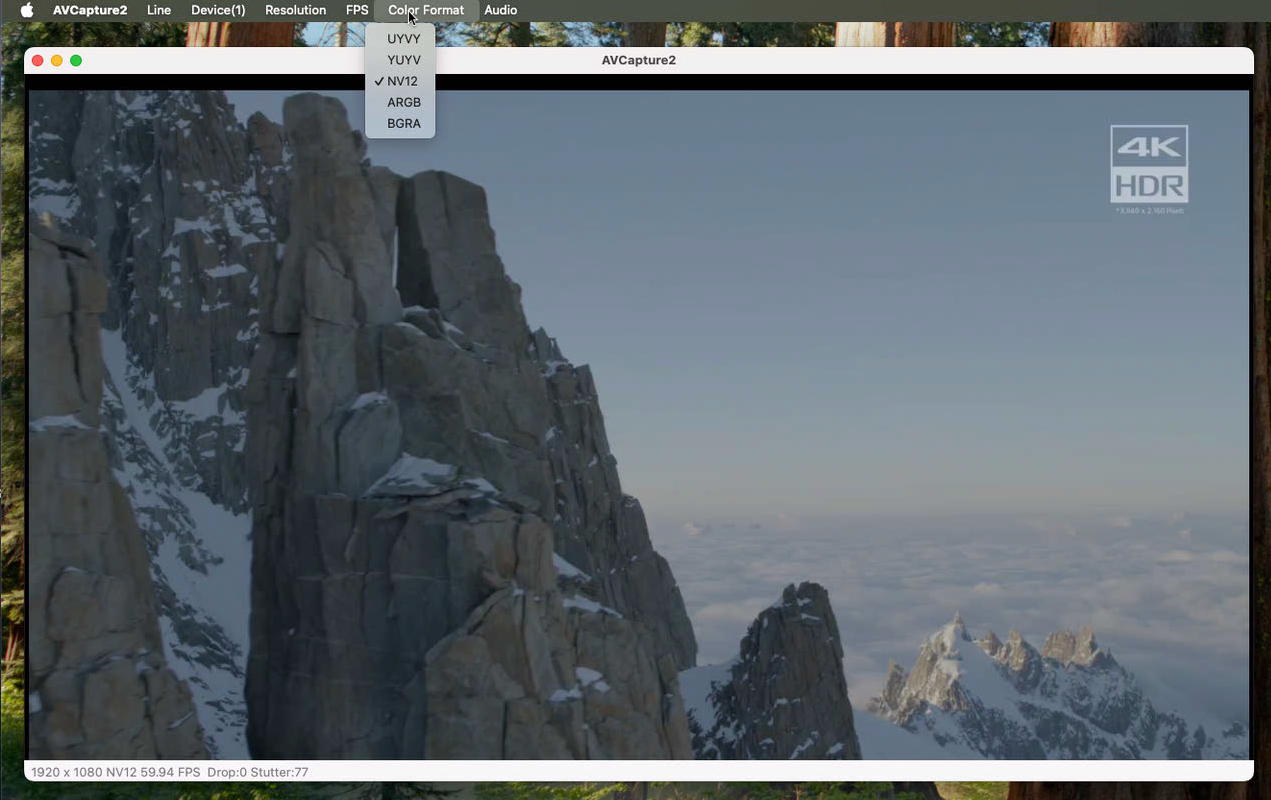
- Freely switch capture parameters: resolution, frame rate, color space
- Support multi-channel capture: simultaneously capture one or two audio/video streams and render them separately
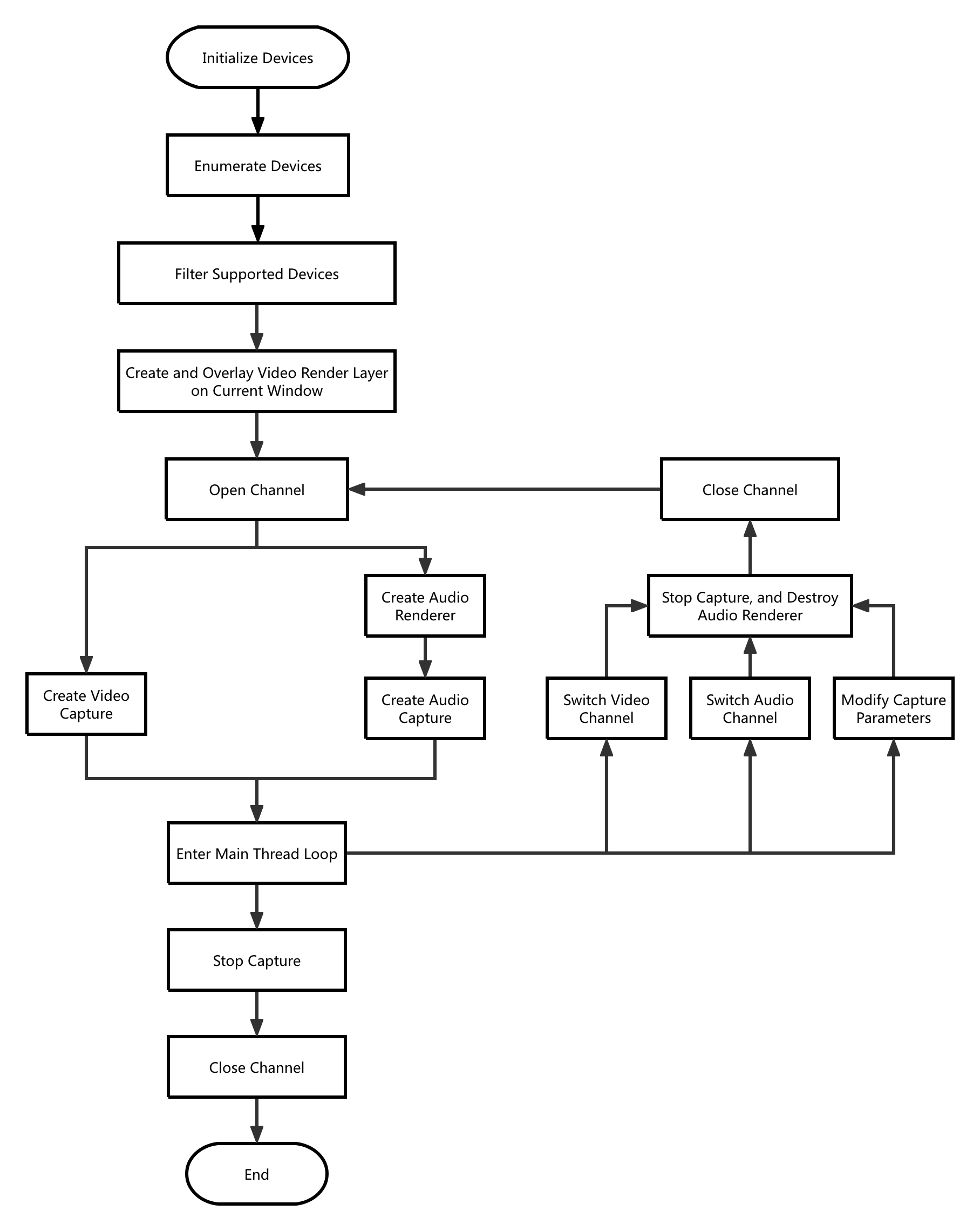
Call Logic:
- Obtain version information, initialize and enumerate devices: MWGetVersion, MWCaptureInitInstance, MWRefreshDevice, MWGetChannelCount
- Filter supported devices based on device information and interface information: MWGetChannelInfoByIndex
- Create a video rendering layer and overlay it on the current window: createPreviewLayer
- Open channel: MWGetDevicePath, MWOpenChannelByPath
- Create audio renderer: MWAudioRenderCreate, MWAudioRenderStart
- Start video capture: MWCreateVideoCapture
- Start audio capture: MWCreateAudioCapture
- Enter main thread loop
- Click menu to switch audio/video channels or capture parameters:
- Stop audio capture: MWDestroyAudioCapture
- Stop video capture: MWDestroyVideoCapture
- Destroy audio renderer: MWAudioRenderStop, MWAudioRenderDestroy
- Close channel: MWCloseChannel
- Open channel and capture/render according to set channel and capture parameters: steps 4, 5, 6, 7
- After clicking the close button, exit capture and release resources:
- Stop audio capture: MWDestroyAudioCapture
- Stop video capture: MWDestroyVideoCapture
- Destroy audio renderer: MWAudioRenderStop, MWAudioRenderDestroy
- Close channel: MWCloseChannel
- Destroy instance: MWCaptureExitInstance.
Result:
Flowchart: